
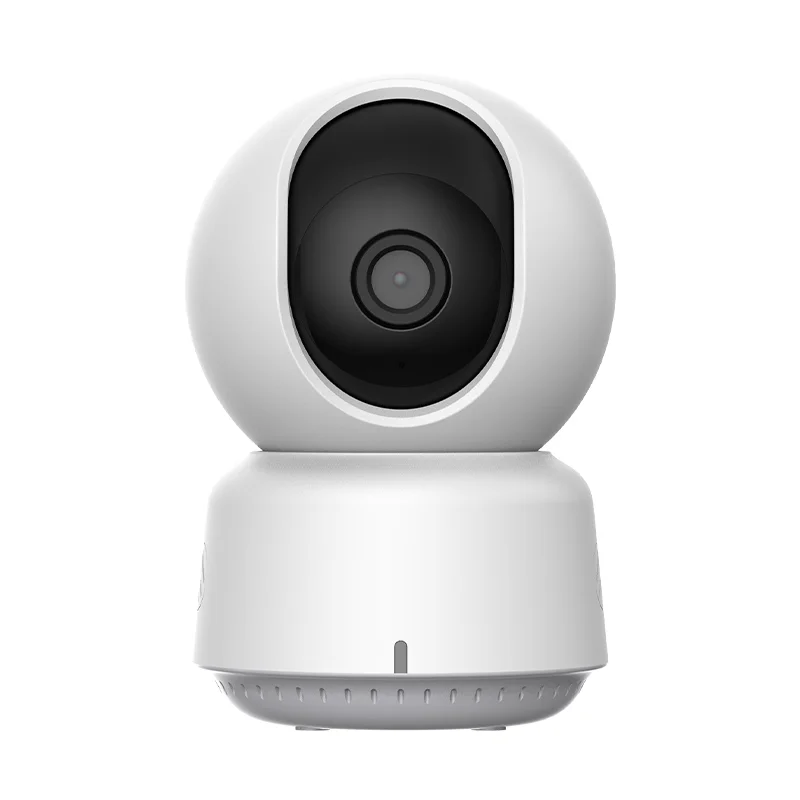
Aqara 2K 3MP Indoor Security Camera Bluetooth 5.2 Smart Camera E1 Surveillance Camera for Baby/Pet Monitor with 360 Degree guard


Aqara 2K 3MP Indoor Security Camera Bluetooth 5.2 Smart Camera E1 Surveillance Camera for Baby/Pet Monitor with 360 Degree guard
SPECIFICATIONS
AI Functions: Motion Detection
APp gimbal control: horizontal + vertical
Alarm Type: FTP Photo,Email Photo
App name: Other
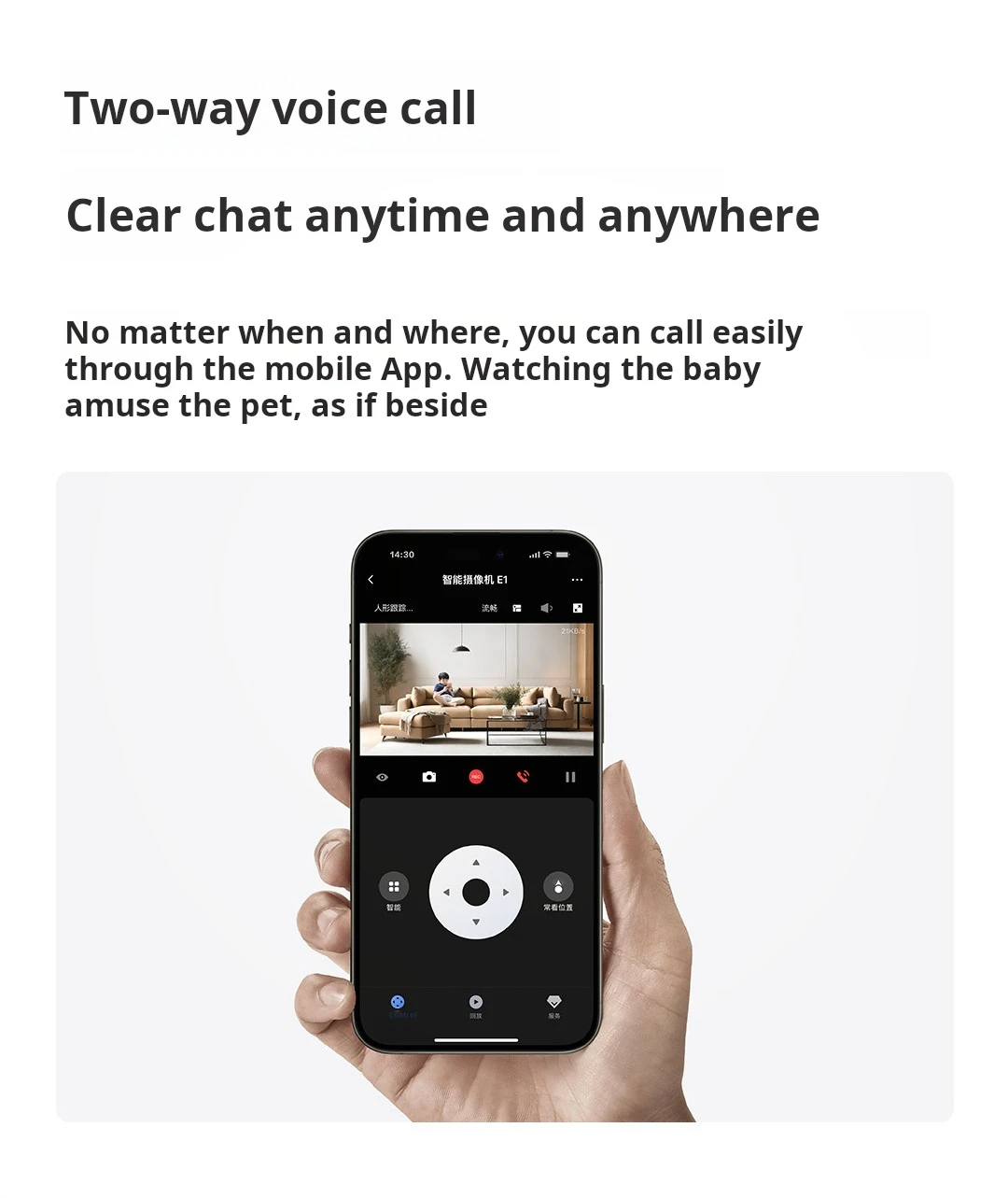
Audio Output: Two Way Audio
Brand Name: Aqara
Camera Stabilization: None
Certification: CE,FCC,RoHS
Color: WHITE
Color Night Vision: Yes
Connectivity: BLUETOOH
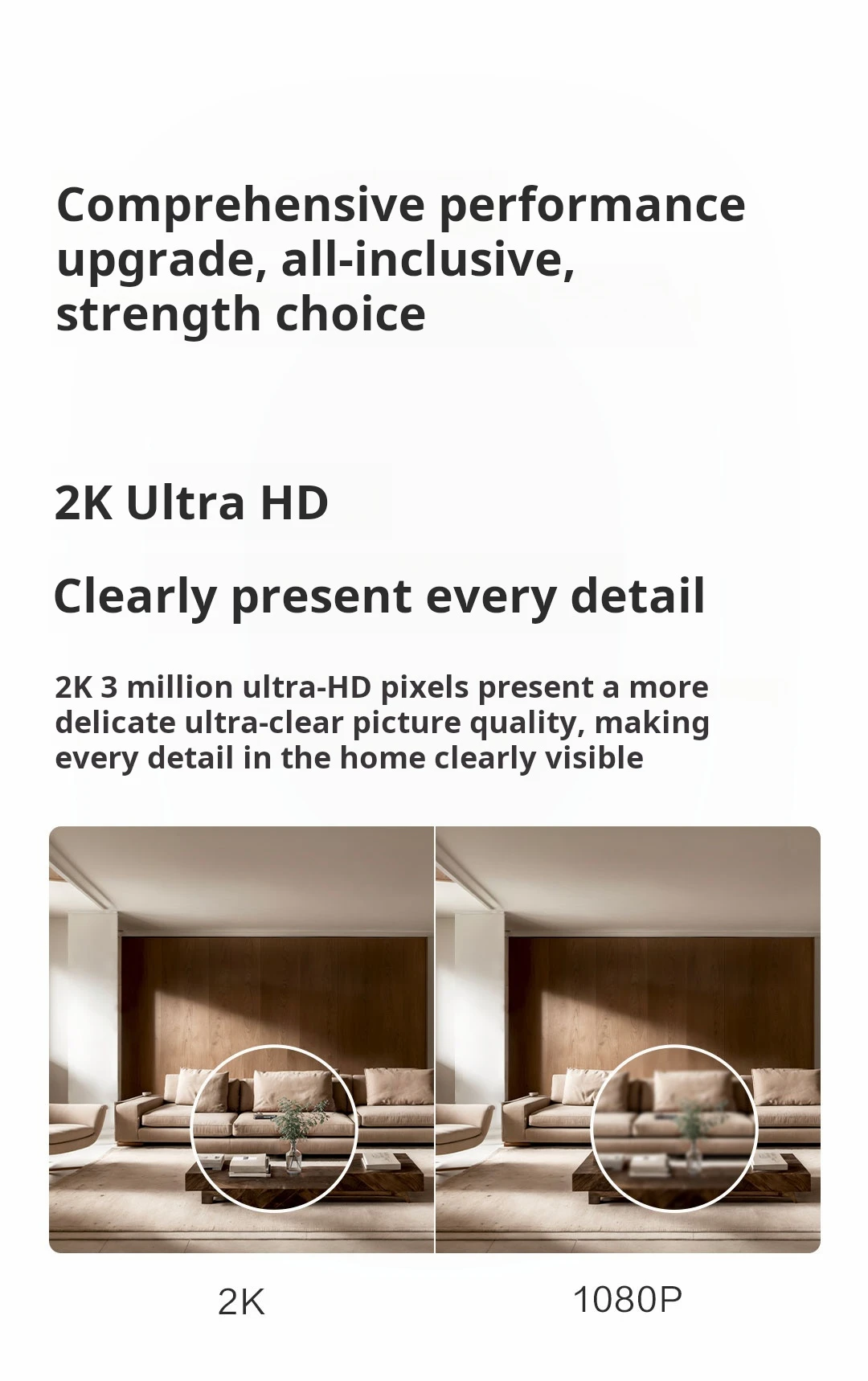
High Definition: 3.0 Megapixels
High-concerned chemical: None
IP Rating: IP68
IR Distance(m): 940nm
Installation: Ceiling,Wall Mounted,Pendant Mount
Internal Storage: None
Lens (mm): 2mm
Lens Quantity: Single Lens
Megapixels: 3 MP
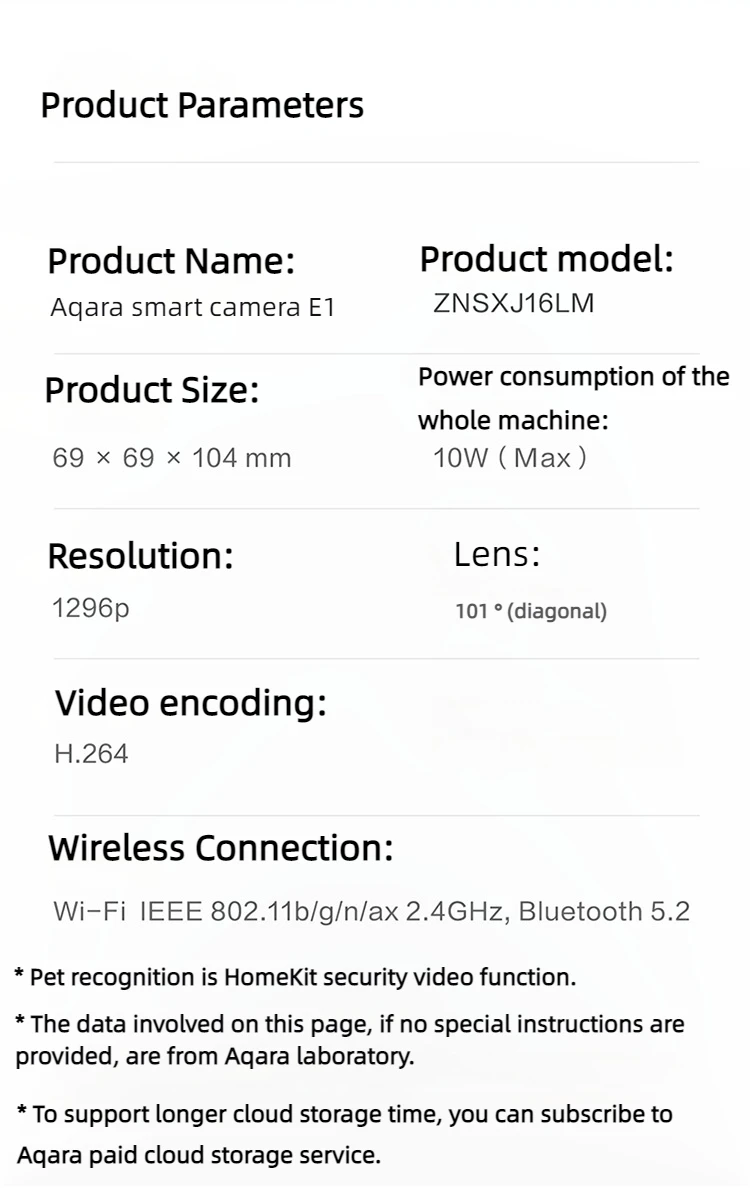
Model Number: ZNSXJ16LM
Movement Range(Tilt): Other
Optical Zoom: None
Origin: Mainland China
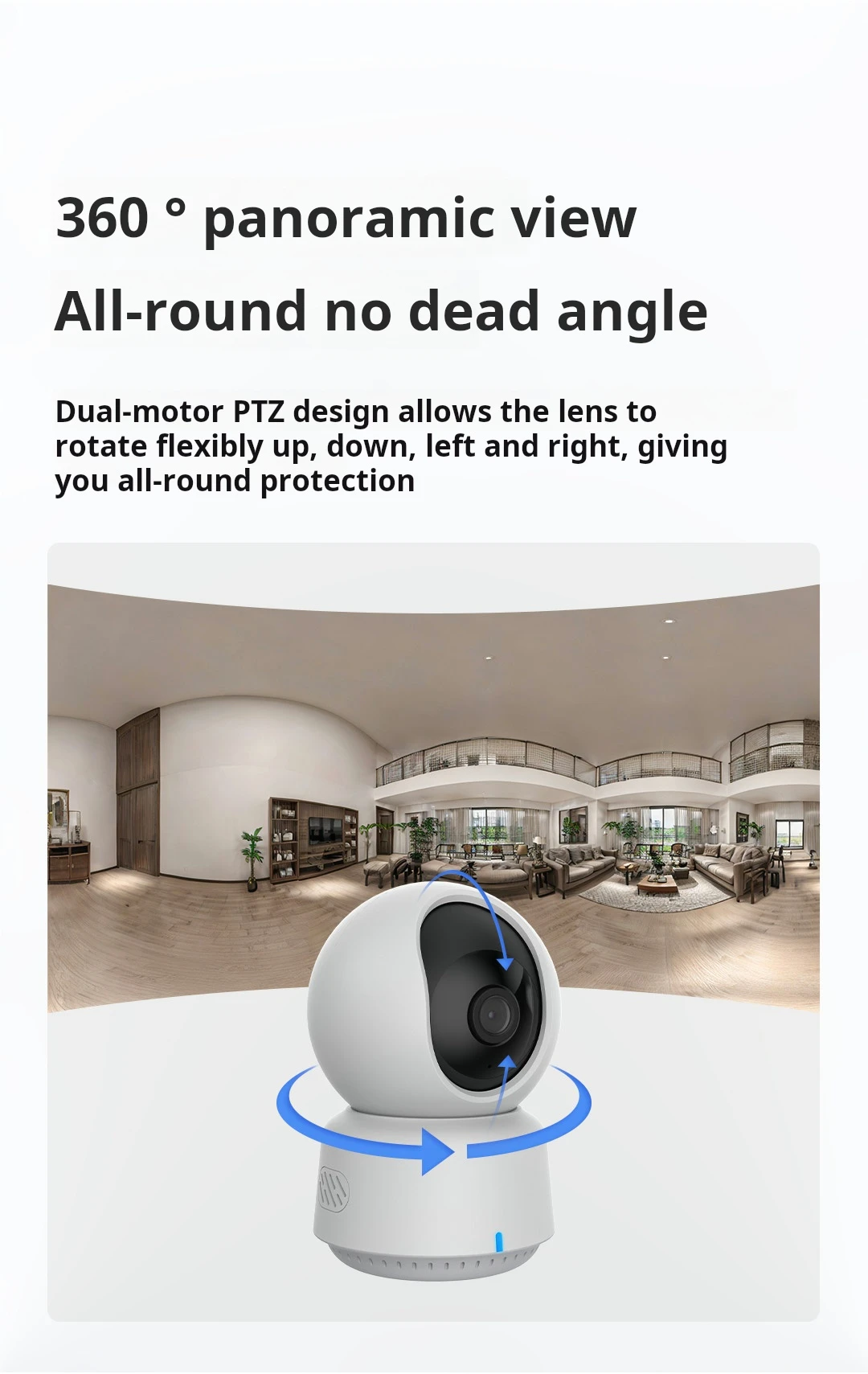
Pan tilt angle: Horizontal 350 °, vertical 67 °
Power Consumption(W): 10W
Power Mode: Battery Powered
Power Source: Battery Powered
Power Supply: Normal
Power Supply(V): 10W
Rechargeable Battery: Built in
Rechargeable Battery Capability: Other
Scene: Indoor and outdoor
Shell Material: Plastic
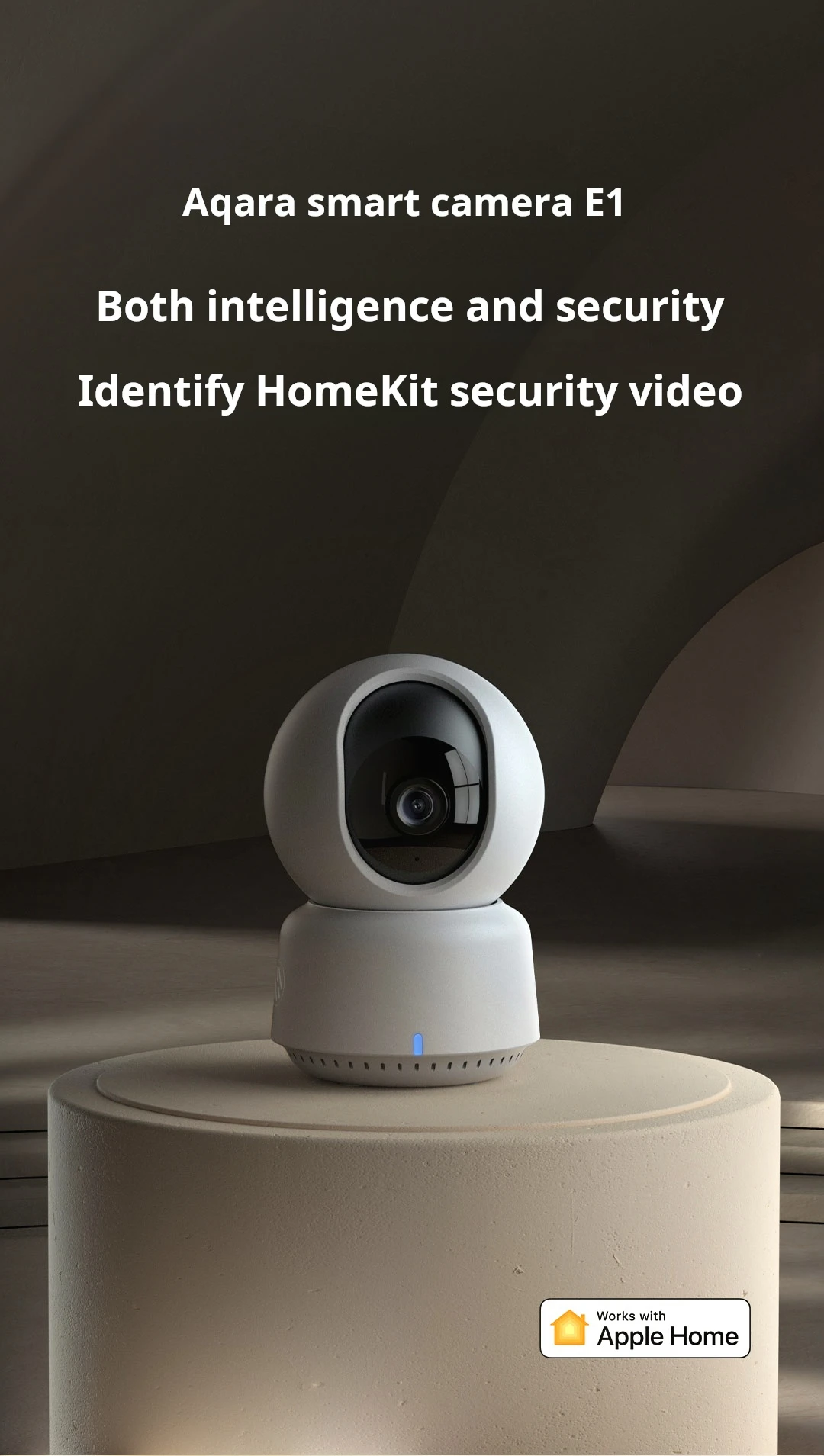
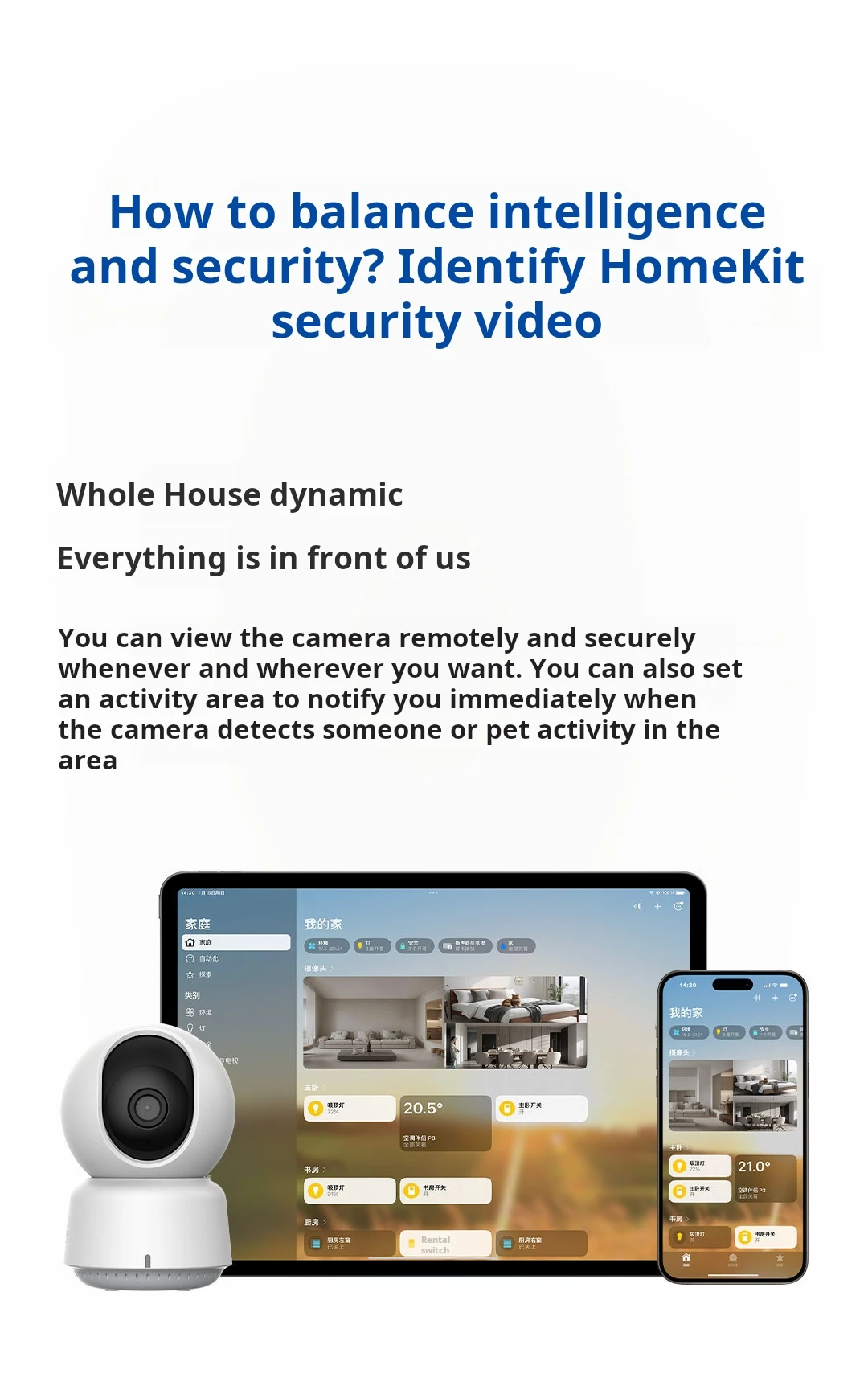
Smart home platform: Apple HomeKit
Special Features: Waterproof / Weatherproof
Style: Box Camera
Supported Mobile Systems: Android,iOS
Supported Operating Systems: No
TF Card: None
Video Compression Format: H.264
Viewing Angle : 360°
Zoom: None
Zoom type: Optical zoom
is_customized: No
type: Aqara Smart Camera E1
type 1: Surveillance Camera
type 10: Security Camera
type 2: Aqara Smart Camera
type 3: Smart Camera
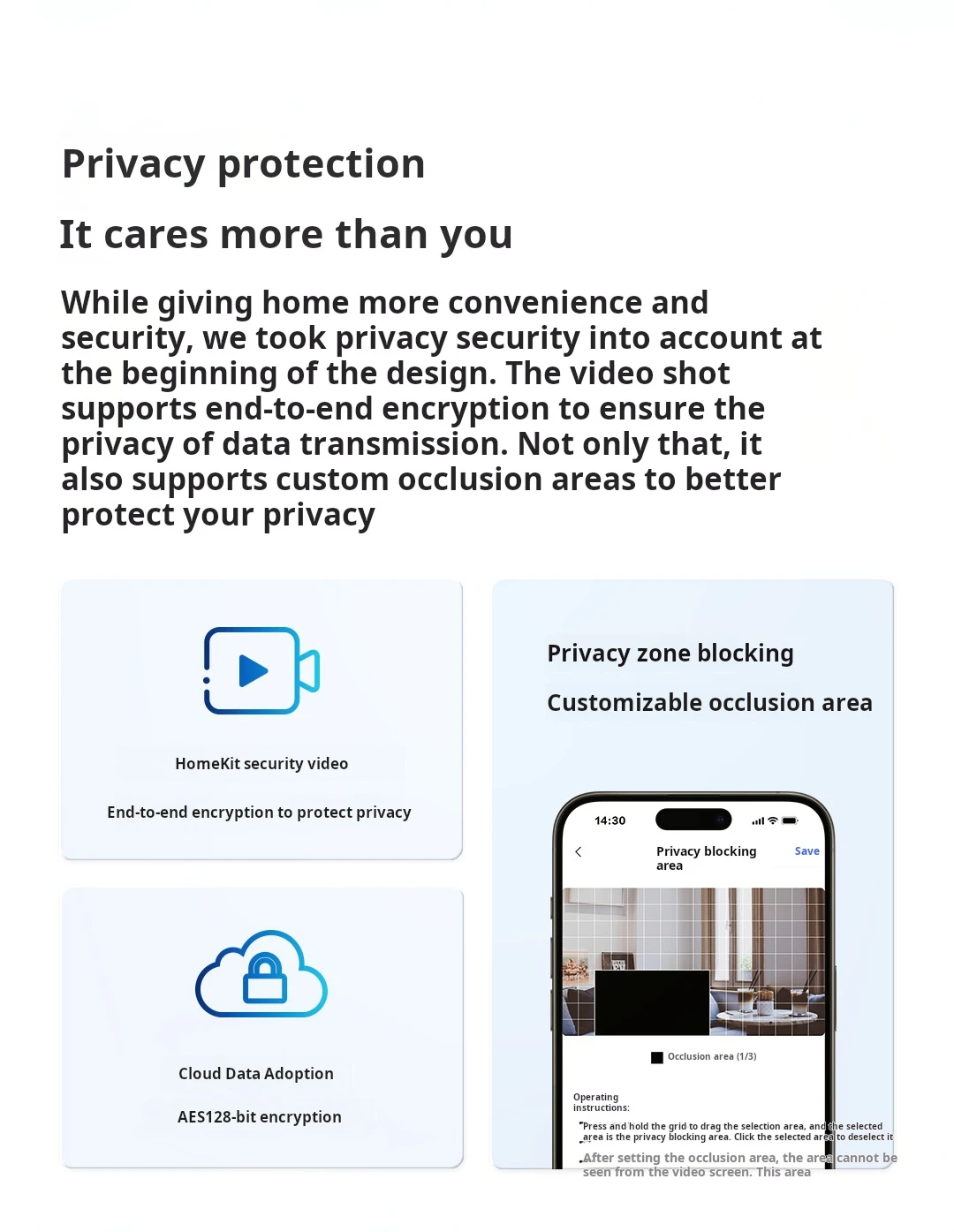
type 4: Privacy Zone Block Privacy Mode
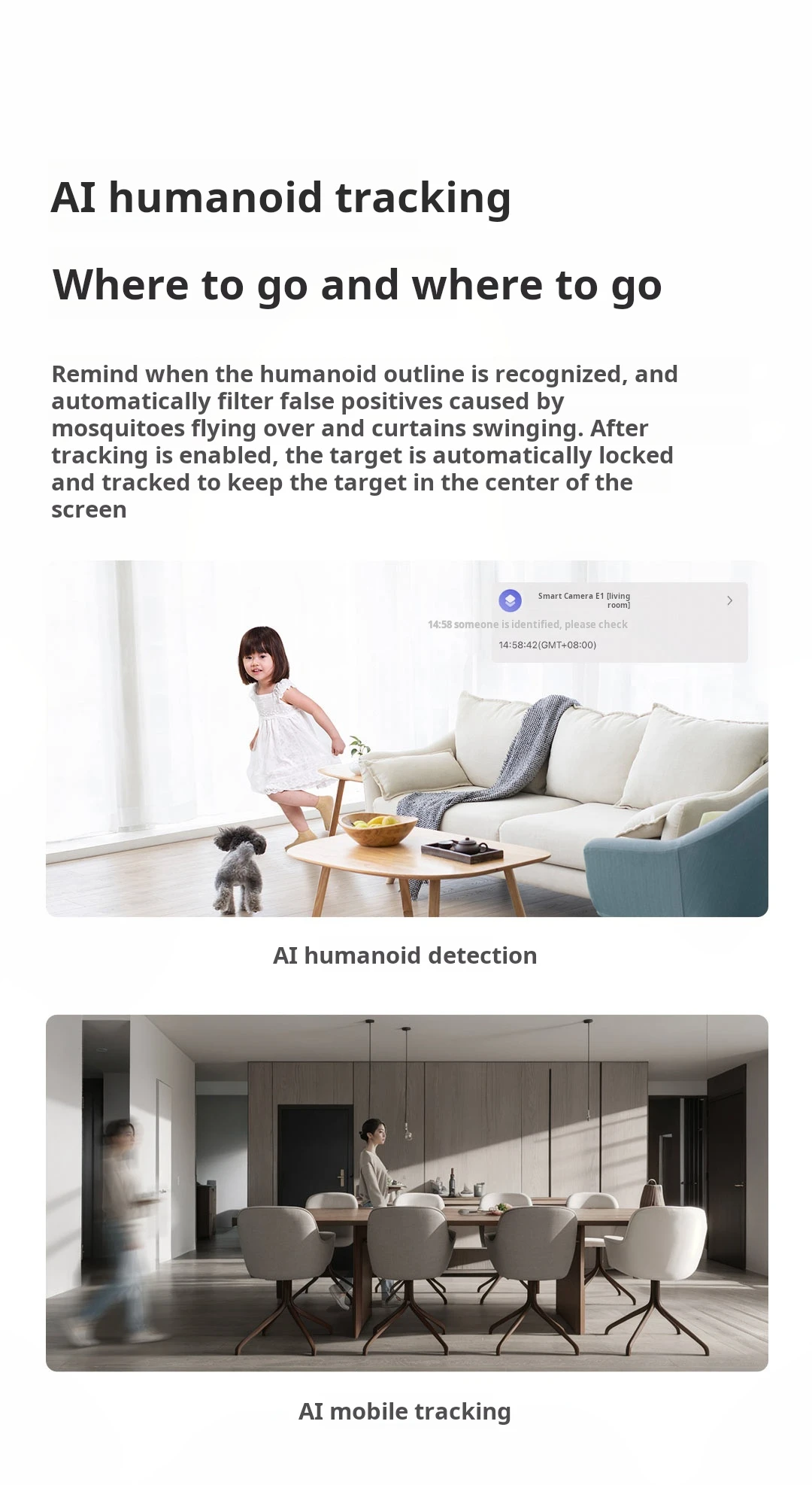
type 5: Humanoid tracking
type 6: human detection
type 7: motion detection
type 8: Network Cameras
type 9: Smart Home Security Camera
wireless communication 1: Bluetooth 5.2
wireless communication 2: 2.4 GHz
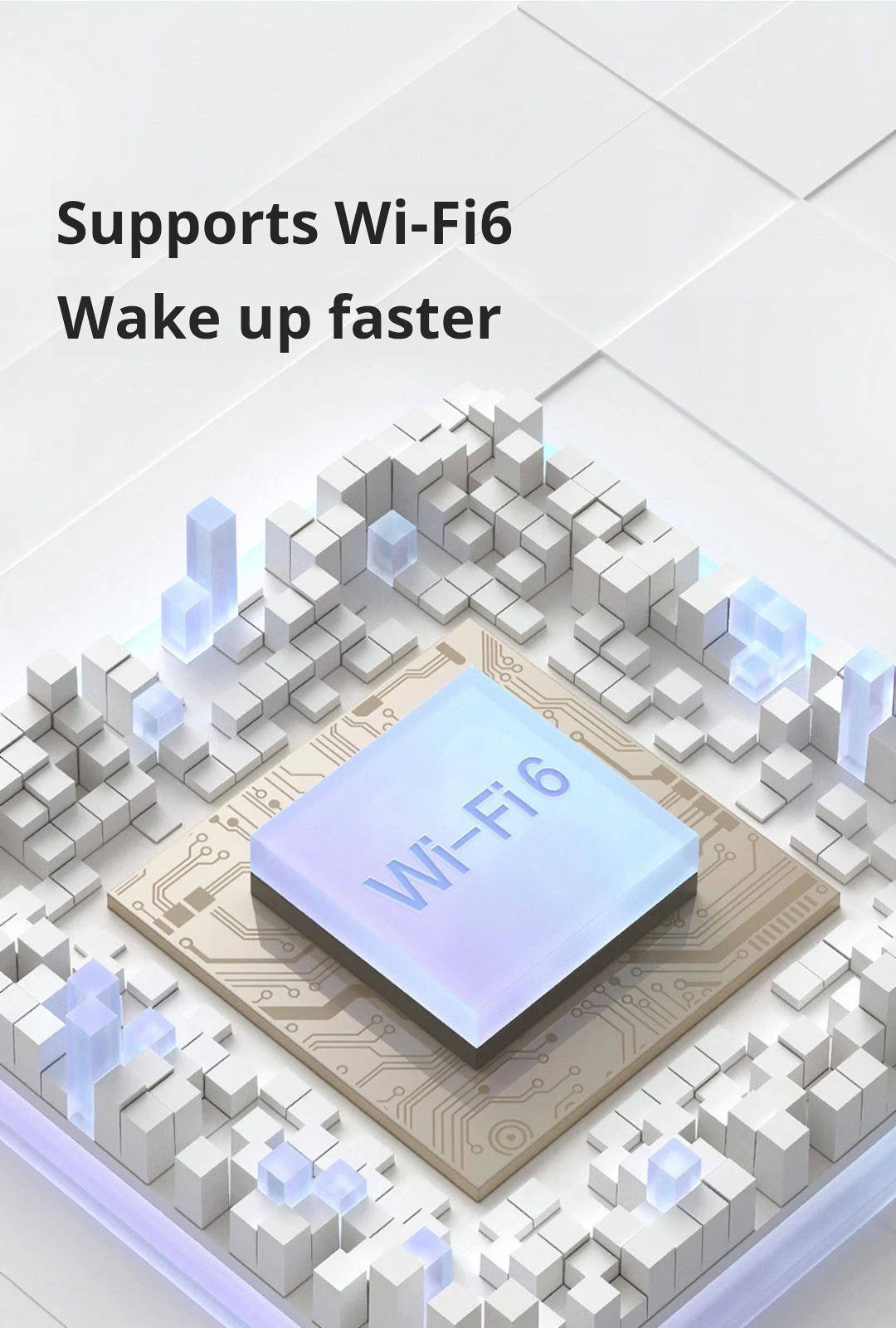
wireless communication 3: Wi-Fi6
Aqara Smart Camera E1 Surveillance Camera 1296P 2K HD
Must see before purchasing
Network access precautions
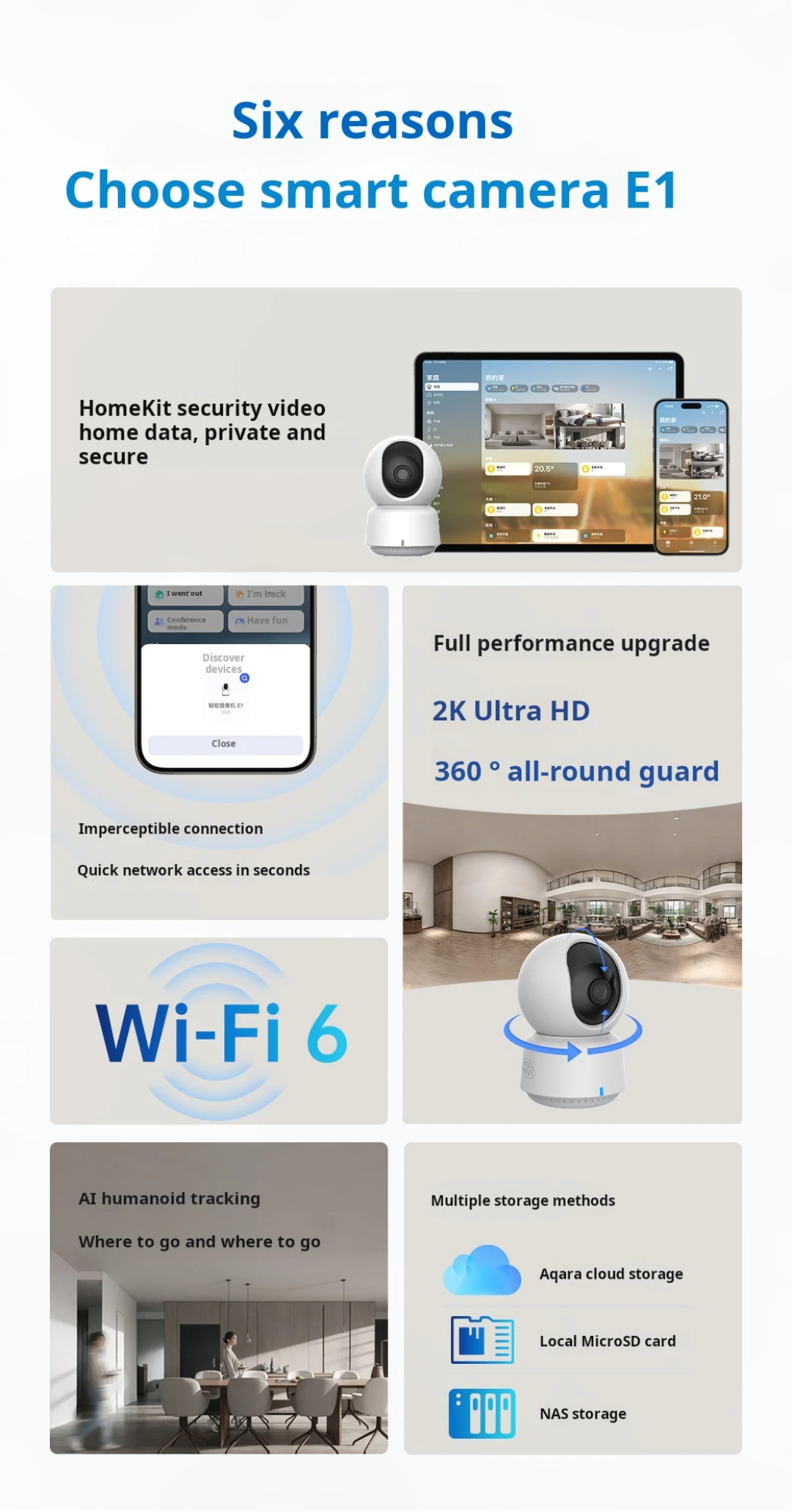
Can access App: Aqara Home app, Apple Homekit;
The videos recorded by this product on Aqara Home App can be stored on a memory card, which needs to be purchased separately;
The detection videos recorded by this product in HomeKit can be stored in iCloud, and the iCloud storage space needs to be opened by the user themselves;
This product supports Wi Fi 6 and only supports 2.4G network frequency band.
APp gimbal control-Pan tilt angle: Horizontal 350 °, vertical 67 °
Humanoid detection
Motion detection
Humanoid tracking
Privacy Zone Block Privacy Mode
wireless communication2.4 GHz Wi-Fi6 Bluetooth 5.2
Aqara 2K 3MP Indoor Security Camera Bluetooth 5.2 Smart Camera E1 Surveillance Camera for Baby/Pet Monitor with 360° all-round guard

1. How to bind the intelligent camera E1 to the network?
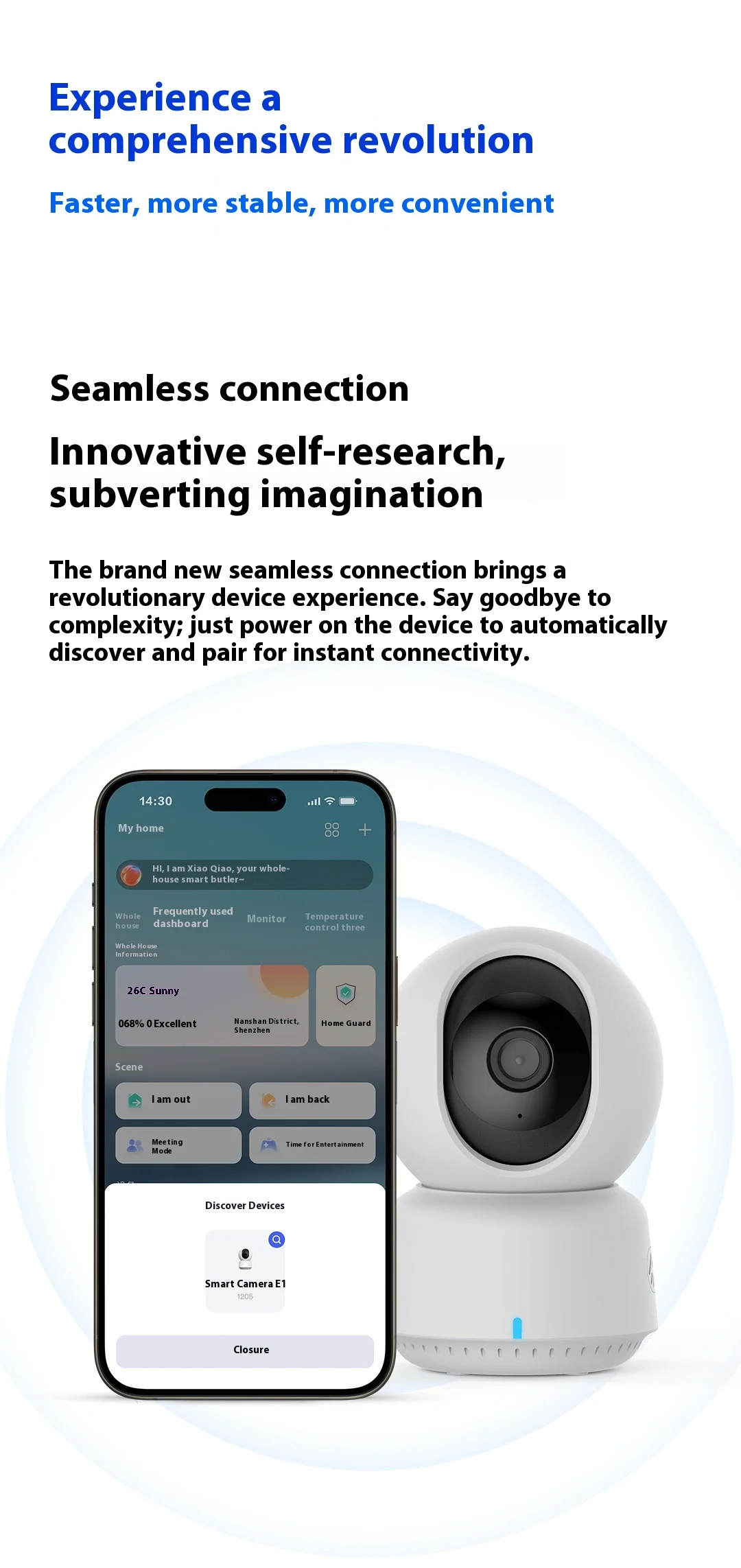
The intelligent camera E1 supports two binding network access methods:
① Bluetooth networking: Use the Aqara Home app to automatically retrieve the device via Bluetooth and follow the app's instructions to scan the MagicAir QR code sticker on the device body or user manual for network binding;
② QR code access: Scan the QR code generated by the Aqara Home app with a camera to bind to the network.
2. Can the intelligent camera E1 be installed on the ceiling?
Sure, the camera base accessory can be fixed to the ceiling with expansion screws, and then the camera can be fixed to the base accessory.
3. What are the special requirements for the power adapter when using the intelligent camera E1?
The power supply standard for the intelligent camera E1 is DC5V2A.
4. Can the intelligent camera E1 be used outdoors?
The intelligent camera E1 does not have waterproof performance and cannot be used in outdoor scenes.
5. Can other Zigbee sub devices of Aqara be added to the smart camera E1?
No, camera E1 does not have gateway function and cannot add other Zigbee sub devices of Aqara.
6. How to use the NAS function of the intelligent camera E1?
To use the NAS function of the smart camera E1, it is necessary to insert the Micro SD card into the smart camera E1 in advance and view the NAS storage function on the SD card storage interface.
7. How to enable the humanoid tracking function of the intelligent camera E1?
Turn on humanoid tracking in the control interface, while ensuring that the screen is not obstructed. When the image is obstructed or the target is not in the same space, it will affect the human tracking effect.